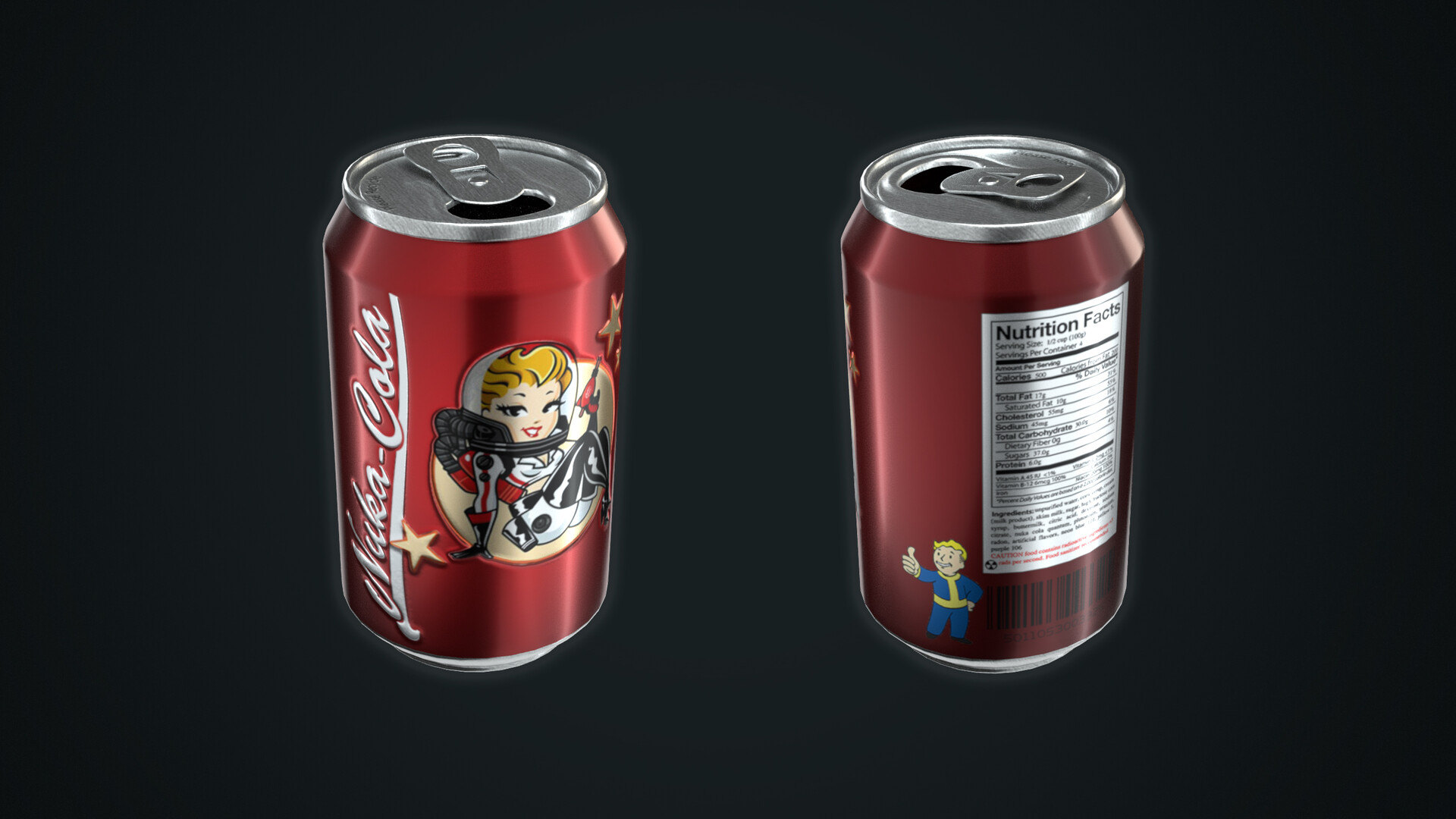
Unwrapping & Texturing a Pop Can: Maya, Photoshop, & Arnold
In this tutorial, we’ll unwrap a Pop Can model in Maya, create textures in Photoshop, and set up realistic materials in Arnold. Normal Map Online Link: https://cpetry.github.io/NormalMap-Online/
Chapters
00:00 Intro
00:18 Exploring the model
00:53 Open UV editor
01:00 Analyze Reference
01:50 UVs: Unwrapping
11:28 UVs: Texel Density
13:03 UVs: Packing
15:20 Create the UV Template
18:02 Importing UV Template in Photoshop
18:42 Testing Uvs/Test Texture on 3D Model
22:17 Texturing: Base Color Map
24:55 Updating UVs for better Padding
26:59 Texturing: Base Color Map Continued
50:03 Texturing: Bump Map
58:16 Texturing: Normal Map
1:03:16 Setting up Arnold Renderer
1:04:38 Creating Arnold Material
1:10:54 Hooking up the Normal Map
1:13:15 Conclusion